
Move-In Magic: Seamlessly Blending Smart Tech, Furniture, and Outdoor Spaces

As you cross the threshold into a new place, we explore Smart Home Integration with Move-In Setup: Installing Devices Alongside Furniture and Yard Design. From Wi‑Fi foundations to landscape lighting, learn to choreograph installs with deliveries, align sensors with décor, and build routines that welcome you home from day one. Expect practical checklists, stories, and gentle guidance that turn chaotic move‑in hours into confident, connected moments. Share your own victories and subscribe for weekly checklists that keep momentum without overwhelm.
Plan Before the Boxes Arrive
Thoughtful sequencing prevents tangled wires, missed studs, and repeated wall patches. Begin with a floor plan, priority room list, and a schedule that pairs device installation with furniture placement and yard access. Establish a temporary network, label every cable, and reserve time buffers. Our planning approach balances ambition with sanity, reduces installer conflicts, and protects fragile gear on busy days. Share your blueprint with contractors, movers, and curious friends for feedback before trucks roll.
Room-by-Room Blueprint
Sketch each room, noting outlets, studs, Ethernet drops, and natural light. Mark seating zones, projector throw distances, TV sightlines, and cabinet ventilation. Add door swings and traffic paths to predict motion sensor coverage. When the truck unloads, your blueprint directs every box and bracket, avoiding improvisation and costly rework. Keep a printed copy on the fridge and a digital version in shared notes so helpers can act without asking you every minute.
Device Inventory and Network Map
Create a single list with MAC addresses, serial numbers, warranty dates, and QR codes for onboarding. Group devices by protocol and hub, then map them to rooms and intended automations. This prework speeds setup, exposes missing accessories, and prevents duplicate purchases. Take photos of labels before recycling boxes. When power comes on, you will glide through pairing flows, confirm firmware updates, and celebrate each green checkmark without frantic scavenger hunts.
Coordination with Movers and Installers
Confirm time windows, parking, and elevator reservations, then align deliveries with electricians, low-voltage techs, and landscapers. Provide a contact sheet, site map, and ladder policy. Pre-stage mounting templates and screws in clear bins. When crews know where to stand and in which order to work, installations finish faster and safer. Reward good communication with snacks and gratitude, and you will gain allies who prioritize your job when surprises appear.


Network Foundations that Never Need Rewiring
Your network is the invisible plumbing of comfort. Plan for Ethernet to stationary devices, ceiling-mounted access points, and a demarcation cabinet that keeps hubs ventilated and accessible. Choose equipment with reliable firmware and clear support timelines. Document VLANs, guest network policies, and naming conventions. With strong underpinnings, smart locks respond instantly, cameras stream crisply, and voice assistants stop mishearing. Invest now, and you will not pull cables again during your first winter storm.
Installing Devices in Sync with Furniture Layout
Mounts and anchors belong on walls before bookcases block studs. Align screens with seated eye height, run in‑wall conduit where possible, and hide power with recessed outlets. Match speaker placement to sectional geometry, not catalog photos. Dimmer locations should reflect natural grabbing points near doorways. As rugs and sofas settle, adjust sensor angles and scene brightness. A synchronized dance between installers and movers keeps rooms beautiful, safe, and impressively functional immediately.

Outdoor and Yard Integration from Day One
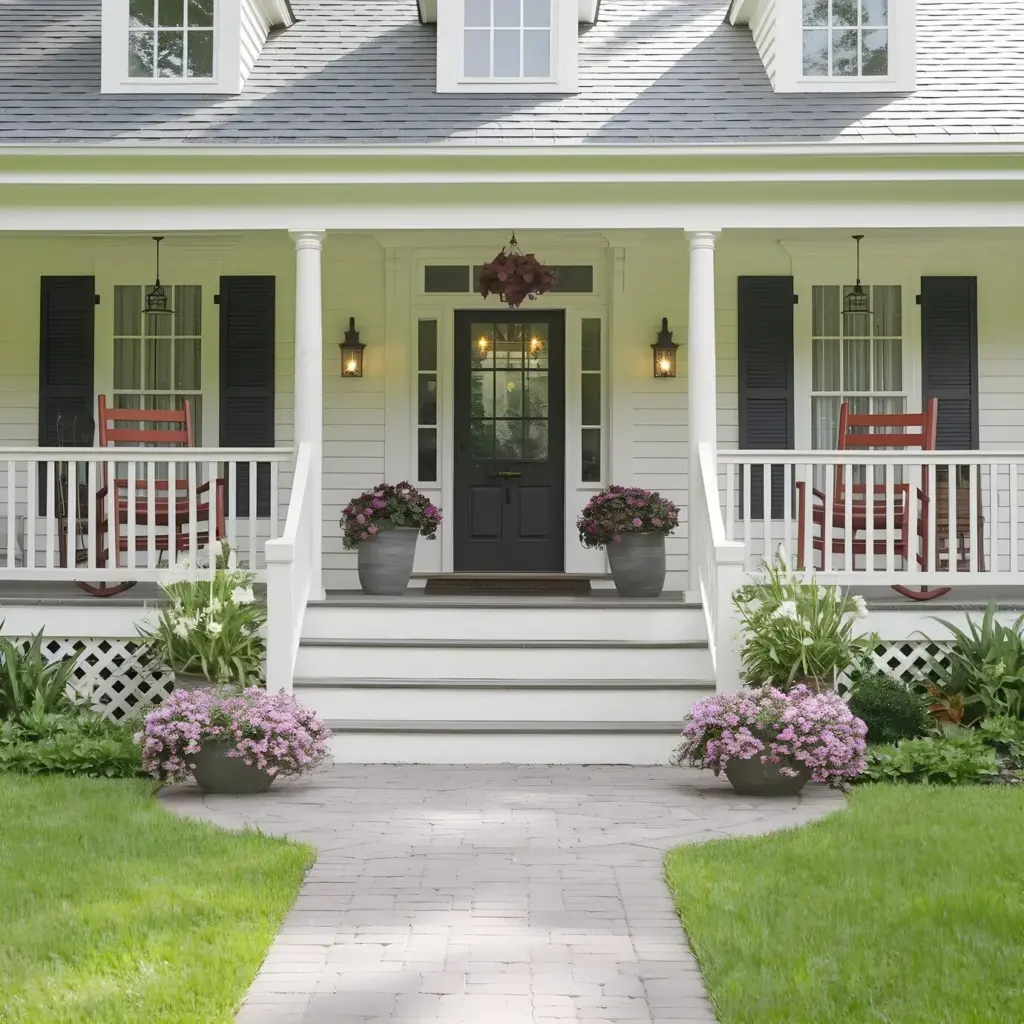
Exterior comfort begins with water, light, and safety. While movers handle planters and grills, coordinate trenching for low‑voltage lines, Wi‑Fi extensions, and irrigation controllers. Weatherproof enclosures protect hubs near garages. Camera views should favor paths, not neighbors’ windows. Use native plants to reduce watering demand and simplify schedules. When the sun sets on move‑in day, let pathways glow, gates respond politely, and sprinklers skip a cycle because rain already soaked the soil.

Automation Routines for Real Life
Start simple: a welcome scene that unlocks, lights a path, sets temperature, and cues soft music. Build from there with routines that respect sunrise, weekdays, and occupancy. Prefer automations that fail gracefully if a device is offline. Use names everyone can pronounce. Review logs weekly to find odd triggers. When routines mirror your habits, technology fades into background comfort, saving minutes daily and energy monthly while keeping delight high.
The Single Router Fallacy
A lone all‑in‑one sitting by the ISP modem cannot penetrate walls, appliances, and multi-story layouts. Replace it with a router plus wired access points or a strong mesh. Test again after furniture placement, because books and mirrors shape signal. Give 2.4 and 5 GHz consistent names. When door sensors stop dropping offline and video doorbells answer promptly, you will feel the difference robust infrastructure makes every single day.
Over-Automation Fatigue
Just because something can trigger does not mean it should. Start with high-value routines and leave room for manual control. Provide physical buttons for guests and sleepy mornings. Track false positives and set quiet hours. If a routine surprises you more than it delights, retire it compassionately. Simplicity breeds confidence and acceptance, turning partners from skeptics into co-designers who suggest better ideas once nagging automations disappear for good.